You review the footage after a break-in or a damaged car, and what you find is a figure in a hood, half out of frame, lit from behind by the security light. The camera was recording. It simply was not pointing at the right thing from the right place.
The reflex is to order two more cameras. Sometimes that is correct, but very often the existing cameras are doing a poor job because of where they sit, and extra units placed in the same bad spots will just produce more of the same footage.
Decide what each camera is for
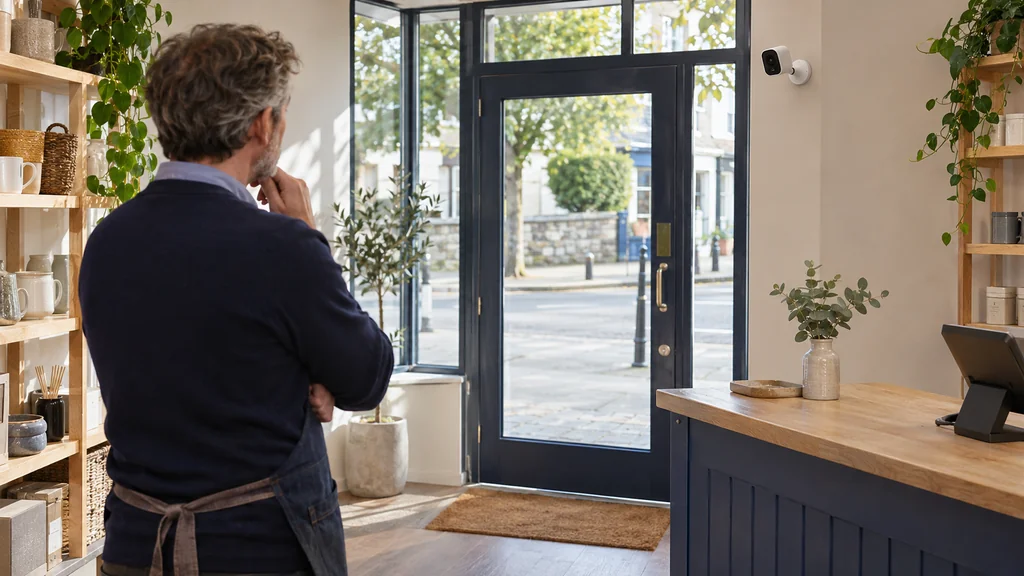
A camera that is meant to cover the whole garden, the driveway and the side passage will do none of them well. Give each camera one job. Is it there to deter people approaching, to show who came to the door, or to give a general view of what happened in a yard? Identification needs the subject to fill a decent part of the frame; a general overview does not.
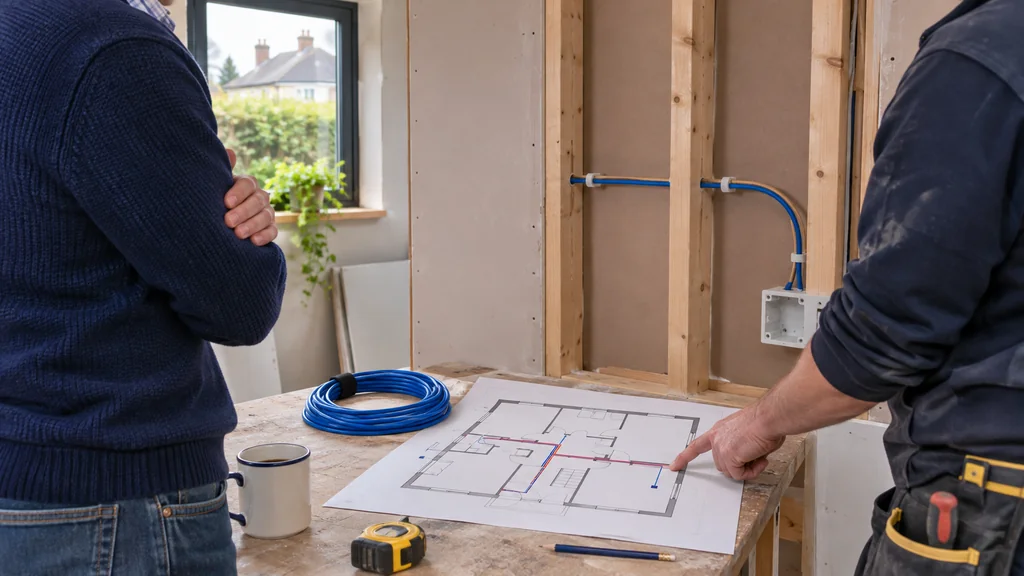
Walk the property the way an intruder or a delivery driver would. Note the routes people actually take, the gates and doors they must pass, and the spots where they have to slow down. Those choke points are usually better camera locations than an open lawn.
Height, angle and the problem of light
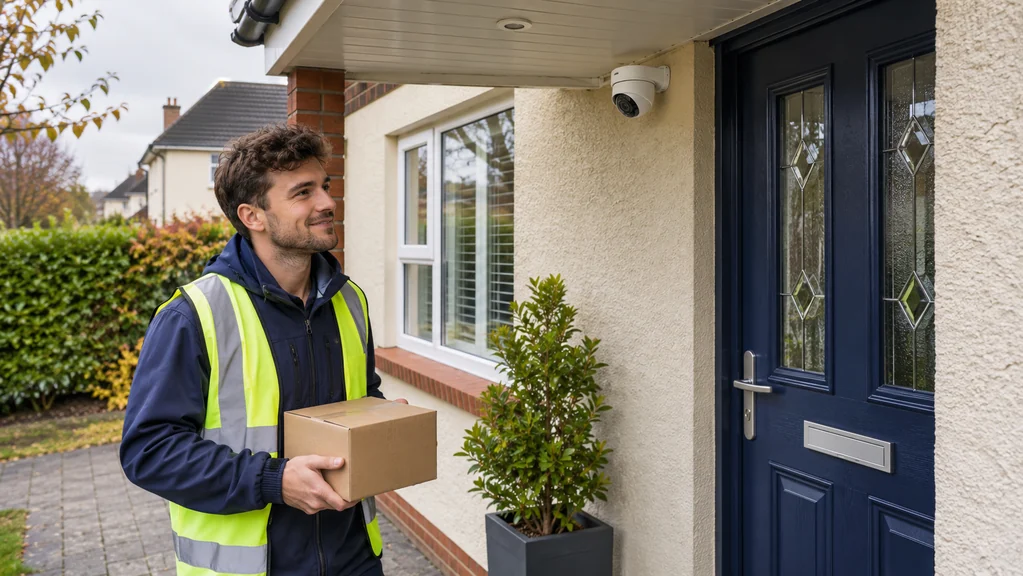
Mounted too high, a camera mostly records the tops of heads and hats. Mounted too low, it is easy to reach, knock or spray. A position a little above head height, angled slightly down and facing the direction people approach from, tends to give the most usable view of faces. Pointing straight at a wall-mounted light or into low winter sun washes the image out, so check the view at different times of day, not just when you set it up.
Backlighting is a classic trap. A front-door camera facing a bright street or sunny driveway will silhouette anyone standing in front of it. Moving the camera to the side, shading it with the eave, or changing the angle often fixes this for nothing. Some cameras advertise wide dynamic range processing to cope with strong back light, and the HiLook PTZ listed here is described with 120 dB true WDR, but that is a mitigation, not a substitute for sensible placement.
When one movable camera beats several fixed ones
Large open areas, such as a yard, a small car park or a farm entrance, are where people tend to buy a handful of fixed cameras with overlapping, mediocre views. A pan-tilt-zoom camera can sometimes cover the same ground and zoom in on detail on demand. The HiLook HD 2MP PTZ 15x Darkfighter 100m IR is a 2MP PTZ with 15x zoom and up to 100m of IR, according to its listing, which makes it the kind of unit that suits a wide space rather than a doorstep.
The trade-off is that a PTZ can only look at one thing at a time. If it is zoomed in on the gate while something happens at the back door, you will miss it. For small, simple properties a few well-aimed fixed cameras are usually the more reliable choice, and a PTZ will not help if your real problem is a badly lit doorway.
Check the recorder before blaming the cameras
Poor placement is not the only reason footage disappoints. If the recorder overwrites old video after a few days, or the drive is struggling with constant writing, you may lose the evidence before you look for it. Surveillance systems write continuously, and drives built for that workload are a different thing from ordinary desktop drives.
Seagate-style surveillance drives such as the Surveillance 8TB Internal Hard Drive (3.5") are described as designed for 24/7 recording and for supporting up to 64 HD cameras, while the 10TB Western Digital Ultrastar listed as 10TB Western Digital Ultrastar Data Centre Hard Drive (3.5") is a data-centre drive rather than one marketed specifically for CCTV. Which suits you depends on your recorder and how many days of footage you want to keep, and a drive of either kind will not rescue footage from a camera aimed at the wrong place.
When buying more will not help
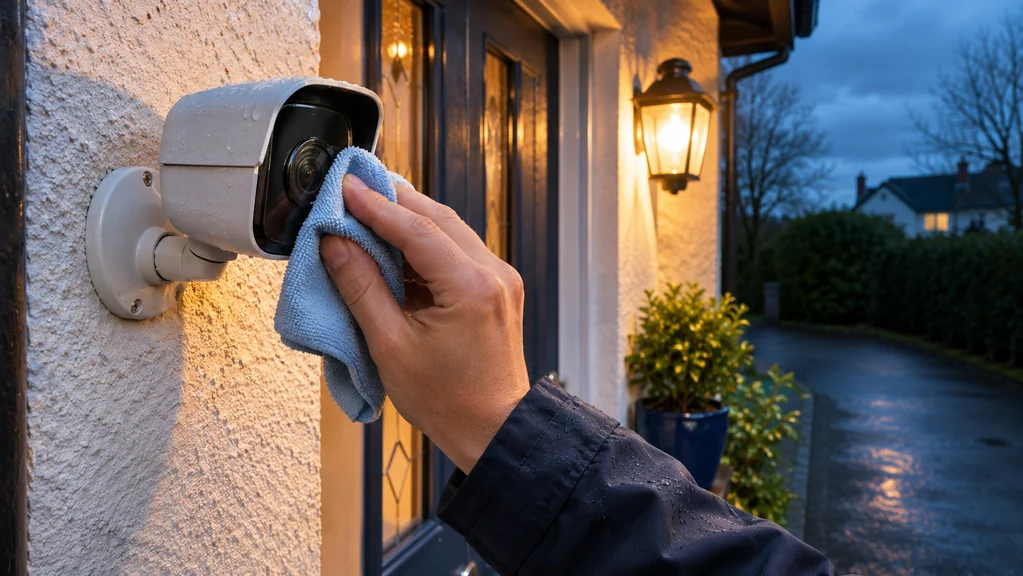
If the picture is dark, the lens is dirty, the angle is wrong or the camera faces a glare source, a new camera in the same spot changes little. Clean the lens, move the mount, adjust the tilt and review a day and a night of footage before spending anything.
Buy additional cameras when you have genuinely uncovered approaches, such as a side entrance nobody can see, or when a single camera is being stretched across two jobs. Add storage when your retention period is shorter than you need. Otherwise, reposition first.
Your next step
Before ordering anything, give each camera a single job, test its view at night and in bright sun, and move it if it fails. Add cameras or storage only once the gaps are real.
If you would like help matching equipment to your setup, contact Satellite Direct with your current model and the problem you want to solve.