Most people think about Wi-Fi after the painters have left. By then the cable routes are buried, the floor is down and the only place left for the router is the hallway socket where the phone line happened to arrive. The result is a house that looks lovely and has a dead spot in the kitchen extension.
Renovation is the one time when running a network cable is cheap and easy. A few hours of planning with the electrician beforehand can save years of workarounds. This guide covers what to decide while the walls are still open, and when a new router will not fix anything.
Decide where the network will live
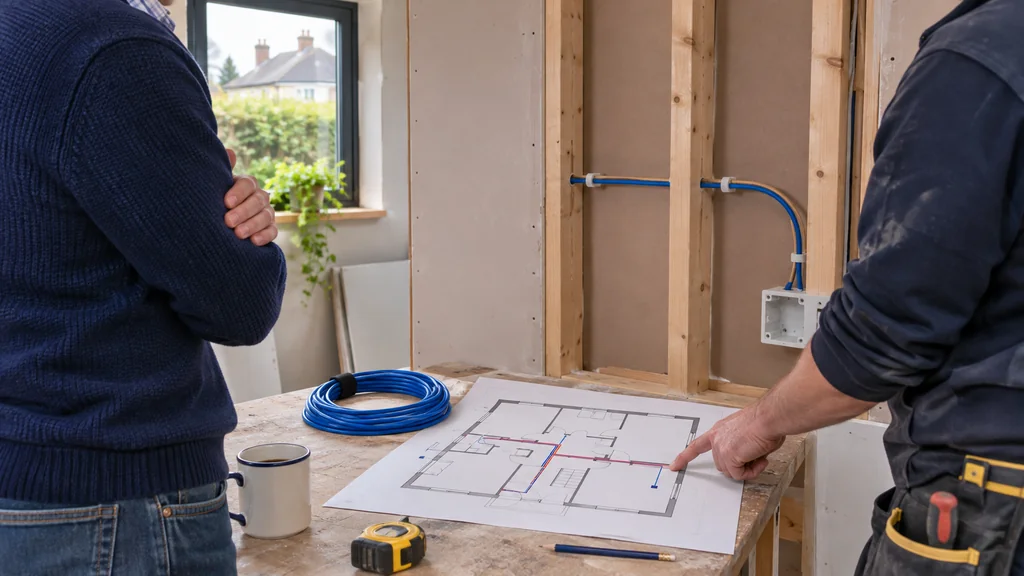
Start with a floor plan and mark where the broadband line enters the house, where you would ideally put the router, and where people will actually use devices: home office, living room TV, kitchen, bedrooms, garden room. Routers perform best in a central, open spot, not in a cupboard under the stairs or behind a TV unit.
If the incoming line is at one end of the house, ask your electrician to run a data cable from that point to a more central location, or at least to the spots where you will want a router or access point. A single unused cable run is far cheaper than discovering you need one after the plasterboard is up.
Run cable now, even if you do not use it yet
The most practical advice for any renovation is to put Ethernet cabling in the walls. Ask for runs to the main TV position, the home office, and to a ceiling or high-wall spot on each floor where an access point could sit. Label both ends and keep a simple sketch of where each cable goes.
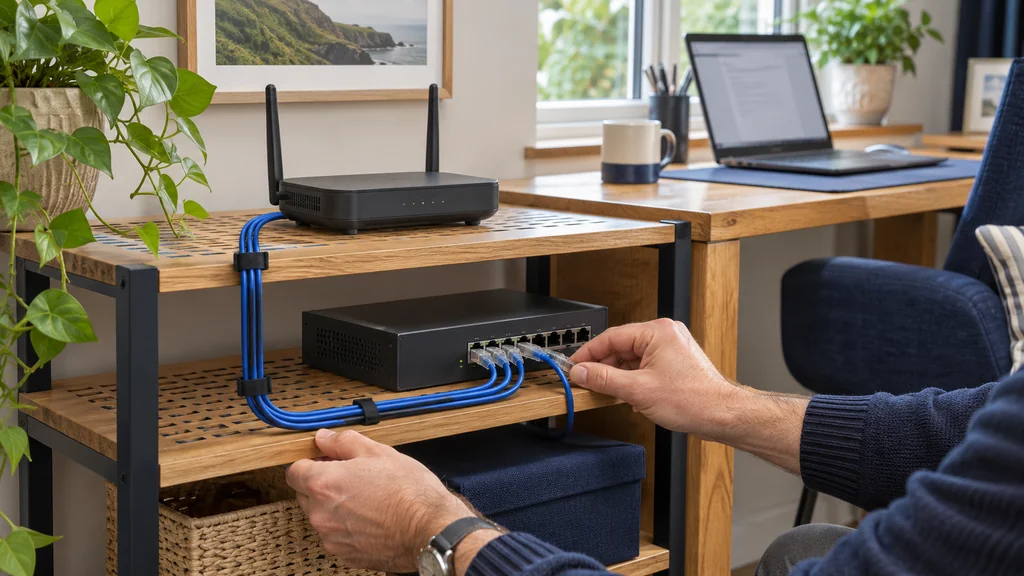
Cable is not glamorous, but it removes the biggest limit of wireless: every wall and floor the signal has to pass through. A wired backhaul to a second access point or mesh node usually behaves far better than a wireless hop through concrete. Also leave a little slack at each end and use conduit where your builder suggests it, so a future cable can be pulled through if needed.
Think about how big the house really is
A single router has limits, and manufacturer coverage figures are best-case numbers, not promises for your layout. Thick masonry, insulated walls, foil-backed plasterboard and underfloor heating can all weaken a signal. If your renovation makes the house larger or adds a floor, plan for more than one transmitter rather than hoping one will stretch.
Mesh-capable routers can help here. The Cudy WR6500H, for example, is a dual-band Wi-Fi 7 router listed with Cudy Mesh and a quoted coverage figure of 140 m², which suits a modest home but should be treated as a guide. Cudy BE6500 2.5GE Wifi7 Wireless Router WR6500H Check the box and your own floor area before relying on any such number, and remember it describes ideal conditions.
Match the router to the wiring you are installing
If you are putting in cable and your broadband is fast, check the router's ports. A 2.5 Gbps WAN or LAN port only matters if your line and the devices on the other end can use it. The Reyee RG-EW7200BE PRO lists three 2.5 Gbps LAN ports, two 2.5 Gbps WAN ports and Reyee Mesh, which may suit a house with several wired points such as a desk, a media area and a second access point. Reyee WiFi 7 BE7200 Dual Band Gaming Wireless Router with Mesh 2.5GE RG-EW7200BE PRO
For a larger or more demanding household, a tri-band option such as the Cudy WR1100, listed with four 2.5G Ethernet ports and mesh support, gives more wired capacity and a dedicated extra radio band. Cudy BE11000 2.5G Tri-Band Mesh Wi-Fi 7 Router WR1100 None of this guarantees a particular real-world speed. Confirm what your broadband provider delivers and what your devices support first.
When new equipment will not help
A faster router will not fix a router stuck in a corner behind a metal door, nor can it make up for a signal that has to cross three thick walls. If your plan leaves the router in the worst possible spot, spend on cabling and placement before spending on specifications.
Likewise, if the broadband line itself is slow or unstable, no indoor hardware will change that. Test a wired connection straight from the incoming line before blaming Wi-Fi, and speak to your provider if the problem is there.
Your next step
Before the walls close, sketch your floor plan, ask for Ethernet runs to the router position, TV, office and a ceiling spot per floor, and only then choose a router that matches the wiring and house size.
If you would like help matching equipment to your setup, contact Satellite Direct with your current model and the problem you want to solve.