You set up a camera system, choose a nice sharp resolution, and a fortnight later discover the recorder has quietly overwritten the footage from the weekend your shed was broken into. Or you go the other way, pay for a huge disk, and find it is mostly storing hours of an empty driveway.
Both mistakes come from treating resolution as the main driver of storage. It matters, but it is only one of several things that decide how quickly a disk fills. Planning around the number of days you need is a far more reliable starting point.
Start with retention, not pixels
Ask a plain question first: how many days back might you realistically need to look? Many people only notice an incident the next morning, or after a week away on holiday. If you are often away for two weeks, a plan built around three days of footage will fail exactly when you need it most.
Write down a target, such as 14 or 30 days, and treat it as the fixed point. Everything else, including resolution, frame rate and recording mode, is something you adjust to hit that target on the disk you can afford.
What really makes footage grow
Several settings matter alongside resolution. The bitrate your camera or recorder uses has a direct effect on file size. Frame rate matters too, since a busy scene recorded at a higher rate produces more data. The compression format in use can change how much space a given picture quality needs.
Then there is how you record. Continuous recording writes data around the clock. Motion-triggered recording only saves when something happens, which can stretch retention dramatically on a quiet property, but a windy tree or passing traffic can trigger it constantly and erase the saving. A camera pointed at a busy road behaves very differently from one covering a side passage.
A simple way to estimate your own needs
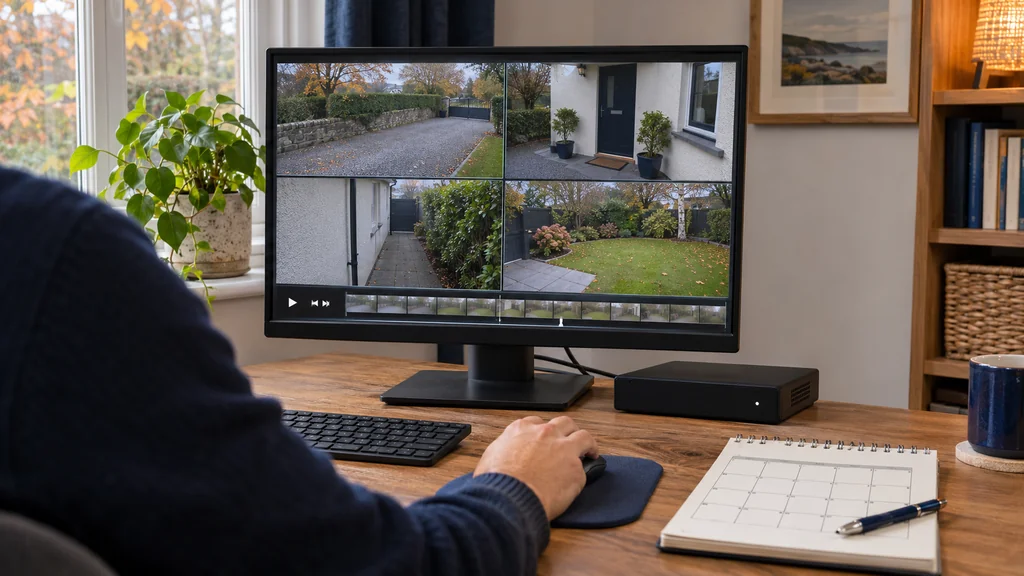
Rather than trusting a generic table, measure your own system. Record normally for a day or two, then check how much space the recorder or card reports as used per camera. Multiply by your target number of days and add a margin, as footage varies between busy and quiet days.
Do this per camera, because they will not be equal. A doorway camera that sees plenty of movement may use several times the space of a rear garden camera. If one camera is eating most of your capacity, consider lowering its frame rate, tightening its motion zones, or switching it to event recording before you buy more storage.
When more storage will not help
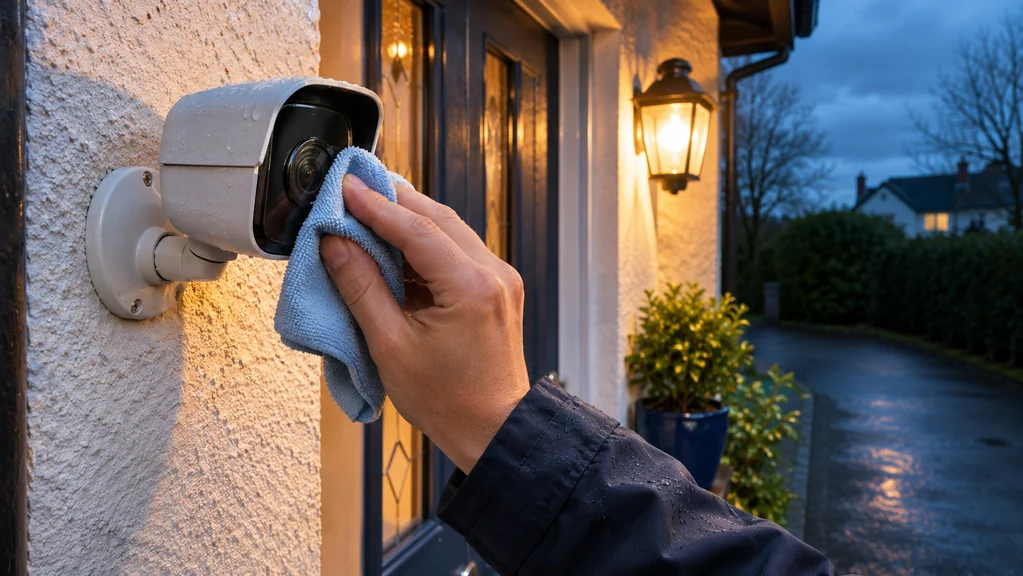
A bigger disk does not fix footage that is useless when you find it. If the camera is aimed badly, the lens is dirty, or night images are too dark to read, more days of recording just means more days of poor evidence. Check a sample clip from daylight and darkness before worrying about capacity.
Also check what happens when the disk fills. Most recorders overwrite the oldest footage, which is usually what you want, but confirm it is set up that way rather than stopping. And remember that storage inside the premises is exposed to the same theft or fire as the thing you are protecting, so for anything important think about whether key clips should be copied elsewhere.
Where door hardware fits into the picture
Some people reduce how much they depend on constant recording by adding access control that records who came and went. Smart lock products can log activity, which can complement video rather than replace it. Be careful about the details, though: on the Ezviz keypad add-on, Ezviz Smart Lock & Keypad Kit is listed with a lock activity log and temporary passwords, but the supplied specification notes these need the separate Home Gateway A3. Without that gateway you should not assume those features are available.
The main Ezviz lock, Ezviz Smart Lock, is listed as using Zigbee communication and needing that same gateway for mobile push notifications. Neither product is a camera or a storage device, so they will not change how much video your recorder holds. They are only worth considering if your real problem is knowing when a door was used, and you have confirmed the gateway requirement and your door fit first.
Your next step
Decide how many days of footage you genuinely need, record a day or two to measure real usage per camera, then size storage and recording mode to match. Fix camera positioning and night image quality before spending on a larger disk or a higher resolution.
If you would like help matching equipment to your setup, contact Satellite Direct with your current model and the problem you want to solve.