You have a router in the hall, a back bedroom where video calls stutter, and three product categories that all claim to fix it. Mesh kits, wired access points and plug-in extenders are marketed almost interchangeably, yet they solve different problems, and buying the wrong one is a common way to spend money without improving anything.
The useful question is not which gadget is best, but how the extra signal will get back to your router. Once you answer that, the choice usually makes itself.
Start by working out what kind of weak spot you have
There are two broad situations. In the first, the signal is simply too faint where you need it: thick walls, a long house or a detached garage mean your devices connect but run slowly or drop out. In the second, the signal is fine but the network is crowded, so everything slows when several people stream and game at once.
A quick test helps. Stand in the problem room, run a speed test, then run it again beside the router. If the far room is dramatically slower but still connected, you have a coverage problem. If both are poor, the fault may be your broadband line, the router itself or interference, and no extra Wi-Fi hardware will cure that.
Extenders: cheap, convenient and limited
A plug-in extender receives your existing Wi-Fi and rebroadcasts it. It needs no cabling, which is its appeal. The catch is that it has to sit where it still receives a decent signal, and because it relays wirelessly, throughput in that room is typically lower than the connection it is repeating. Place one in the dead spot itself and it will simply repeat a bad signal.
Extenders suit light use: a smart speaker, a tablet on the patio, occasional browsing. They are a poor fit for a work-from-home desk or a games console where consistency matters more than a full set of bars.
Mesh: good when you cannot run cables
A mesh system uses several units that cooperate to form one network, so your phone moves between them without you managing separate network names. It is a sensible choice in rented homes or older houses where drilling for cable is not realistic, and it is easier to live with than an extender.
The trade-off is the same physics: if the units link to each other over Wi-Fi, each hop costs some performance, so spacing matters. Put nodes where they can still see each other well rather than at the very edge of coverage. Some systems support a cabled link between nodes, which avoids that penalty, so check whether the one you are considering does before you buy.
A wired access point: the most reliable fix if you can get cable there
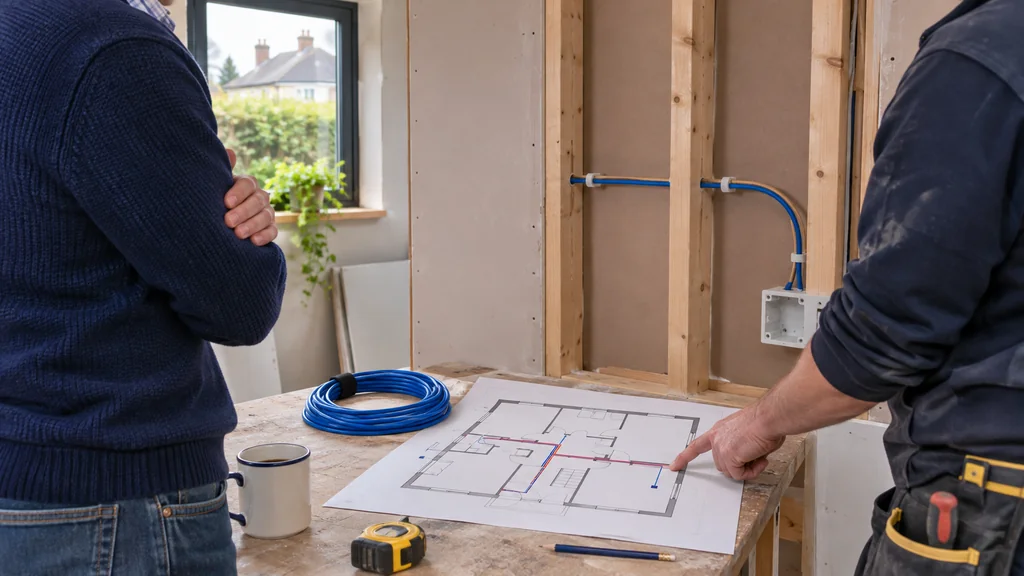
If an Ethernet cable can reach the problem area, a dedicated access point connected by cable usually gives the steadiest result, because the wireless link back to the router is removed from the equation. Many access points can be powered over that same cable using PoE, so you need only one run to the ceiling or wall, with no nearby socket.
That is where a switch comes in. A PoE switch such as the Reyee 10 Port Gigabit PoE+ Smart Switch with SFP Port – Cloud Managed Switch, 120W offers eight PoE+ ports with a 120W budget and gigabit speeds, which suits a house with a few access points or cameras on one cable network. Its listed features include cloud management through Ruijie Cloud. If you want faster-than-gigabit links to newer access points, the Reyee 6 Port 2.5G PoE+ Smart Switch with 10G SFP+ Port / Cloud Managed Switch, 70W provides 2.5G ports with four PoE outputs and a 70W budget, while the Reyee 9 Port 2.5G PoE+ Smart Switch with 10G SFP+ Port / Cloud Managed Switch, 130W offers eight PoE outputs and a 130W budget. Before buying, confirm what your access points actually need in power and port speed, since that information comes from their own specifications, not the switch's.
When new equipment will not help
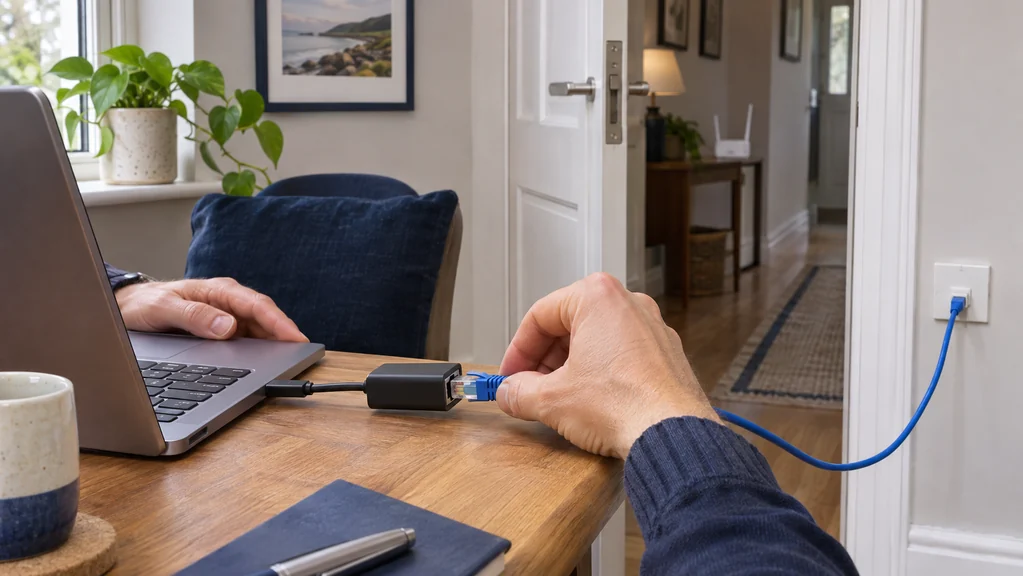
If speeds are poor right at the router, an extra access point only spreads a slow connection further. Check the broadband plan, try a wired laptop connection to the router, and look at whether the router is hidden in a cupboard or beside a cordless phone base. A router moved to a central, raised position sometimes does more than any purchase.
Likewise, an old device with a weak Wi-Fi chip will struggle whatever you install around it. Test with a second device before assuming the network is at fault.
Your next step
Match the fix to the route back to your router: an extender for light use, mesh where cabling is impossible, and a cabled access point fed by a PoE switch where you can run Ethernet. First confirm the problem is coverage, not your broadband or router position.
If you would like help matching equipment to your setup, contact Satellite Direct with your current model and the problem you want to solve.