The television streams perfectly in the sitting room, but a video call keeps breaking up at the desk upstairs. It is tempting to order a more powerful router immediately. First, find out where the connection starts to struggle: that determines whether moving equipment, adding a wired access point or considering a mesh system is the useful next step.
Think about the place where you need a dependable connection, rather than the biggest speed figure on a box. A home office, a back bedroom and a small shop counter can have different layouts and cabling options. The aim is a connection that works where people use it, without paying for features that leave the original problem untouched.
Start with a comparison, not a shopping list
Use the same phone or laptop beside the router and then in the troublesome room. Try the same task in each position, with other heavy downloads paused. Note whether the device disconnects, becomes slow or stays connected while an individual service stops working. These symptoms are useful clues, although a single test does not prove the cause.
If the problem also happens beside the router, investigate the incoming service and the router before buying extra coverage equipment. Where possible, compare with a device connected by Ethernet. If just one laptop struggles while others work in the same spot, check that laptop too. An additional wireless unit cannot fix every fault further along the connection.
Try the free changes first
A router tucked behind furniture or placed at one end of a building may be poorly positioned for the room that matters. Try a more open position, keeping ventilation clear and following the equipment instructions. Thick walls, floors and the route between rooms can all affect how useful a location is. Recheck the same task after each change instead of moving everything at once.
Do not stretch a power lead across a walkway or improvise a permanent cable route to get a better test result. If moving the router helps, plan a tidy, suitable installation. If it does not, the comparison still tells you something useful: placement alone may not solve the gap.
When a wired access point makes sense
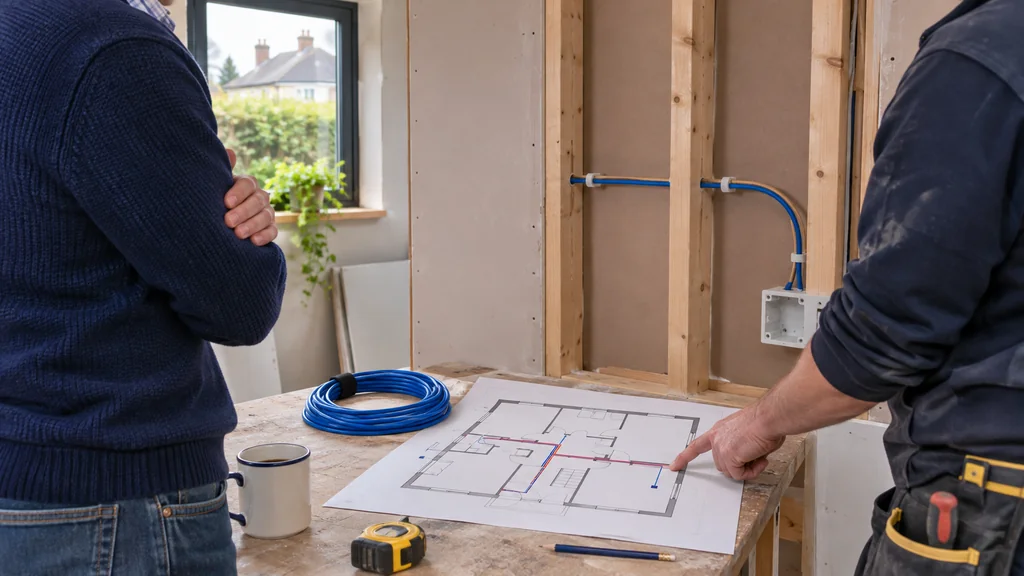
An access point provides a wireless connection in another part of an existing network. With a suitable Ethernet connection back to the network, it does not need to rely on receiving a weak wireless signal through the same awkward walls. That can make it worth considering for a regularly used office or a part of a shop where cable routing is practical.
The trade-off is the installation. Think about where the cable can run, where the unit can be mounted and how it receives power. Check the actual power and network requirements of the model you choose. If the route needs building work or you are unsure about safe mounting, get suitable installation advice before ordering equipment.
Where mesh and extenders fit into the decision
If running a cable is impractical, a mesh system or an extender may be an option, depending on the building and existing equipment. Positioning still matters: placing a wireless relay in the spot where the original connection has already become unreliable can leave it with an unreliable link to pass on. Look for a workable intermediate position and follow the particular system's guidance.
Treat a mesh kit, an extender and a standalone access point as different approaches to a layout problem. Do not assume an access point will join an existing mesh system, or that two brands will work together, without checking the exact models. The convenient installation choice is useful only if the connections and coverage arrangement suit the job.
A practical example from our range
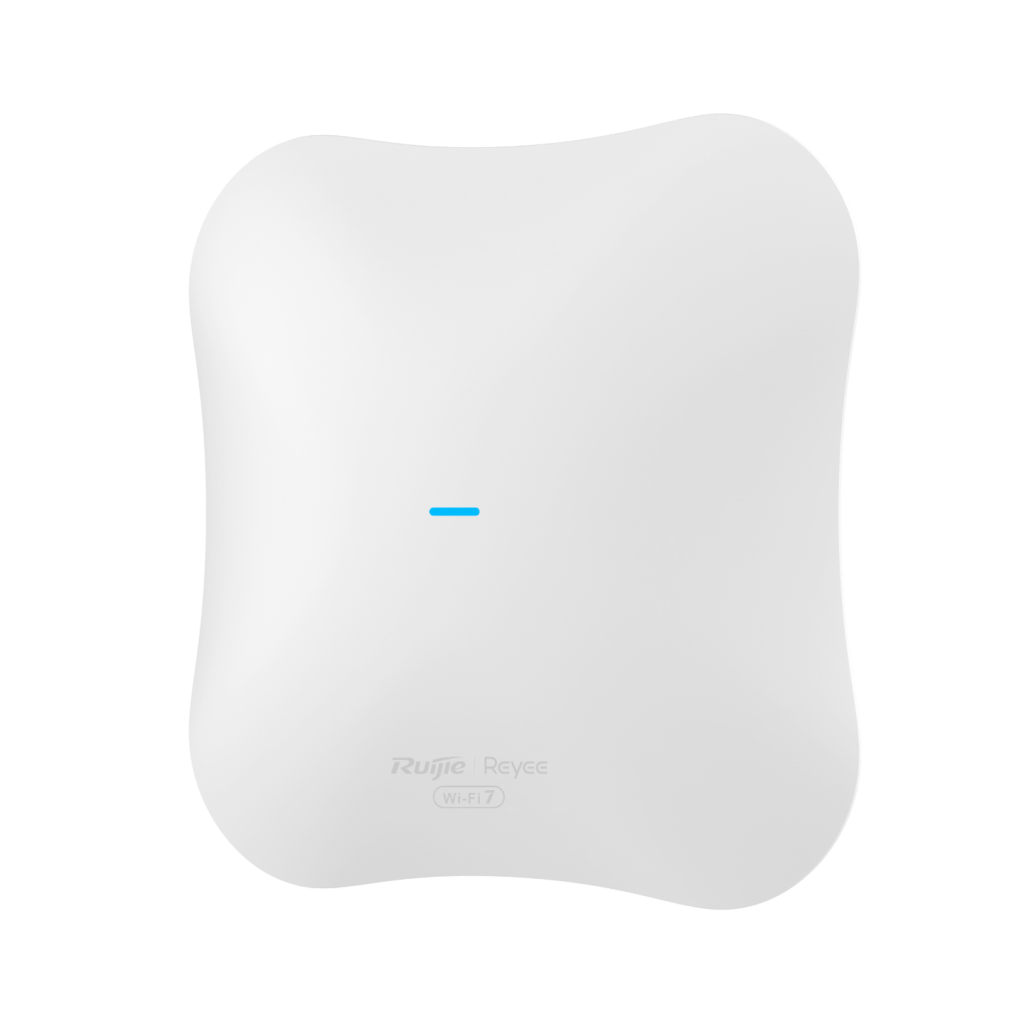
For a planned wired installation, Reyee WiFi 7 BE5040 Dual Band 2.5G Port Access Point RAP72Pro is an example to investigate. Reyee describes the RAP72Pro as a ceiling access point with Wi-Fi 7 and a 2.5G Ethernet connection. Those capabilities give you questions to ask about the rest of the network, rather than a promise of a particular result in your building. Check the manufacturer's installation guide for the power arrangement and mounting requirements.
Its role is to add wireless access to a suitable network; the model name alone does not establish that it will solve your particular fault. Compare the product's current listing with your router or switch, available cabling and installation position. Confirm which power accessories you need and what is actually included before ordering.
Do you need the newest wireless standard?
A newer access point does not increase the speed supplied by your internet provider, and the devices connecting to it also matter. Think about what you actually need: reliable work calls, television streaming in another room, or several devices working at the same time. A useful upgrade should address that task and the weak link identified in your checks.
If the current setup becomes dependable after a placement change, you may not need to replace it now. If coverage remains poor and a suitable cable route exists, adding access near the problem area may deserve more attention than replacing the main router. Keep the installation cost and practical constraints in the decision alongside the equipment price.
Your next step
Before buying, write down the room that fails, what happens beside the router, the models you already use and whether a cable route is available. That short description is much more useful than asking for the strongest Wi-Fi box. It helps narrow the options to an installation that fits the problem.
If you would like help matching equipment to your setup, contact Satellite Direct with your current model and the problem you want to solve.