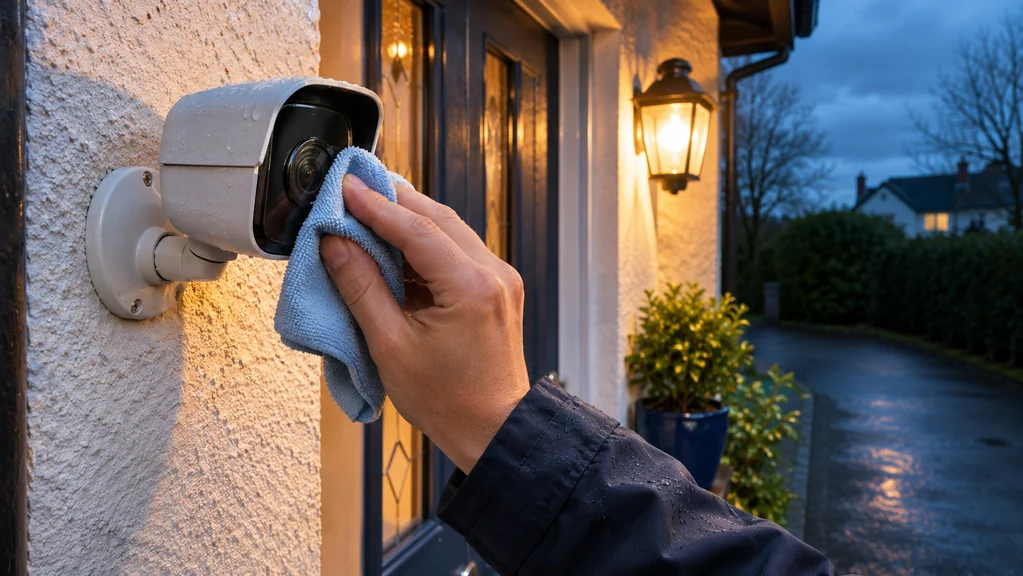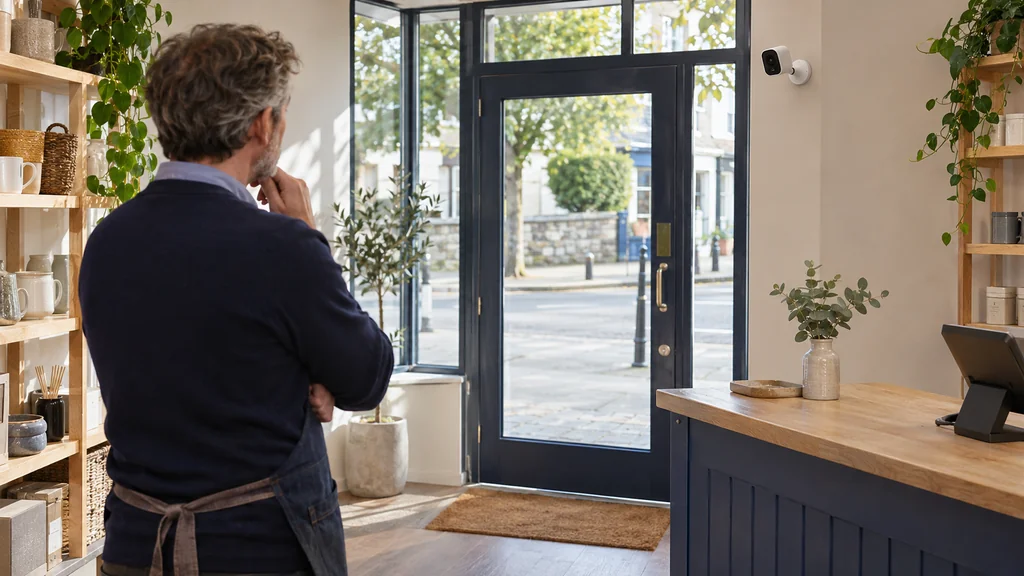
Say you run a small shop in a town centre, and someone has walked out with stock while you were busy in the back. You want a camera on the entrance, but the options are bewildering: doorbell cameras, battery cameras, solar cameras, 2K, 4K. The instinct is to pick the highest number on the box and hope for the best.
A better starting point is a plain question: what exactly do you want the footage to show? The answer shapes everything else, and it sometimes turns out that one well-placed camera does the job where two badly placed ones would not.
Decide what the footage is for
There are usually three different jobs hiding inside the phrase 'watch the entrance'. One is identifying who comes in, which means a clear view of faces at roughly head height as people pass through the door. Another is seeing what happens on the doorstep or pavement out front, such as parcels left, loitering or damage. The third is simply being alerted when someone is there while you are in the stockroom.
Write down which of these matters most. A camera that is excellent for a wide view of the frontage may be poor at catching a face, and the reverse is also true. If you try to cover all three with one device you will usually compromise on each.
Walk the entrance and check four things
Before buying anything, stand where the camera would go and look at the scene as it will be at different times. Check the height and angle: mounting high gives a broad overview but can mean you mostly record the tops of heads. Check the light, particularly whether the door faces a bright window, street lighting or the afternoon sun, because strong backlighting turns faces into silhouettes. Check the Wi-Fi signal at that exact spot using your phone, since a camera that keeps dropping off the network is of little use. Finally, check who owns what: a shopfront on a shared building, a landlord's fascia or a public footpath can all affect where you may fix equipment and what the camera may point at.
Also be realistic about the field of view. A wider lens takes in more of the scene but shows each person smaller, so the extra coverage costs detail at a distance. Stand at the doorway and ask how far from the camera people will actually be when they cross the area you care about.
Matching the power source to the premises
Power is often the deciding factor in a shop, because running cable through a frontage can be awkward or not permitted. A wired supply means no recharging but needs a cable run. Battery cameras are easier to fit, but someone has to remember to charge them, and a busy shop is exactly where that job gets forgotten. Solar can reduce that chore, but only if the spot actually gets daylight; a recessed doorway in a shaded street is a poor candidate.
Doorbell-style cameras suit a different need. Something like the Eufy E340 Dual Lens Video Doorbell with Chime is described as having two cameras, one front-facing for people and one angled down at the floor in front of the door, and as running on battery or wired power. That downward view could matter if parcels or deliveries are left at your entrance. It is a doorbell-format device, so consider whether a doorbell position at your door actually suits a shop, where customers don't ring and the frontage may be glazed. Confirm the mounting position, power option and your Wi-Fi coverage before buying.
Matching the camera to the scene
If you want to cover a wider frontage and can't wire anything, a weatherproof battery camera with a movable head can be a sensible fit. The EZVIZ HB8 WiFi Battery Powered Pan & Tilt Outdoor Camera 2K+ 4MP is listed with a pan range of 340 degrees, tilt of 65 degrees, a horizontal view of 83 degrees and night vision up to 15 metres, and it takes a battery rather than a mains cable. The ability to pan means you can adjust the view after mounting, but remember that a camera which can turn can also be left pointing at the wrong thing. Fix the view deliberately and check it.
For a wider sweep, the Ezviz EB5 8MP 4K Solar Powered Smart Camera Wifi 6 is listed with a 113 degree horizontal view, 4K resolution, IP65 rating, a solar power arrangement and a microSD slot for local storage. Solar only helps if the mounting spot gets enough light, and the supplied information notes that a compatible power adapter is bought separately. A wide, high-resolution view does not automatically mean a clear face; where people are close and at head height, mounting position matters at least as much as the pixel count.
When buying new kit will not help
If your existing camera records but never shows a usable face, moving it is often cheaper and more effective than replacing it. Try lowering it, angling it to catch people as they walk toward it rather than across it, and removing glare sources. If alerts arrive late or video buffers, test the Wi-Fi at the mounting spot before blaming the camera.
Footage is also only useful if you can retrieve it. Decide whether you will rely on local storage, a subscription cloud service, or both, and check how long recordings are kept. A new camera will not fix a habit of never checking the app.
Your next step
Start by deciding what the footage must show, then walk the entrance and check mounting height, lighting, Wi-Fi and power at the real spot. Only then choose between a doorbell-style camera, a battery camera or a solar one, and confirm each detail against your own doorway before buying.
If you would like help matching equipment to your setup, contact Satellite Direct with your current model and the problem you want to solve.